Pinterest Affiliate Disclosure: Where It Goes on the Pin, the Post and the Link
Pinterest allows affiliate links if you disclose them, and the US FTC expects the disclosure to be clear and close to the link. Because Pin descriptions often don’t show in the main feed, put a short disclosure on the Pin image and in the first line of the description, then repeat it above the first affiliate link on your post.
In this guide
- Pinterest permits affiliate links and says you must disclose them
- A disclosure that lives only in the description can be missed, so add it to the image too
- Pinterest is not part of your affiliate agreement. The merchant’s terms still apply
- Earnings promises and made-up reviews are riskier than a missing hashtag
Does Pinterest allow affiliate links?
Yes. Pinterest’s own creator community explains how to add affiliate links to Pins, and states that Pinterest requires you to disclose them. It also points out that Pinterest isn’t part of affiliate agreements, so each program’s terms still decide where and how you may promote its links. Two routes exist:
| Route | How it works | Trade-off |
|---|---|---|
| Direct link | The affiliate URL goes in the Pin’s destination field | Fast, but fragile if a program changes links, and the only disclosure space is the Pin itself |
| Landing page | The Pin leads to your post, which holds the affiliate links | Room for full disclosure, honest comparisons and several links |
Most guides, including Shopify’s, recommend the landing-page route. It’s also easier to keep compliant, because you control the page where the reader decides.
What are the three layers of compliance?
Reader traffic moves through three places, and each has its own rules.
Where does the disclosure go on a Pin?
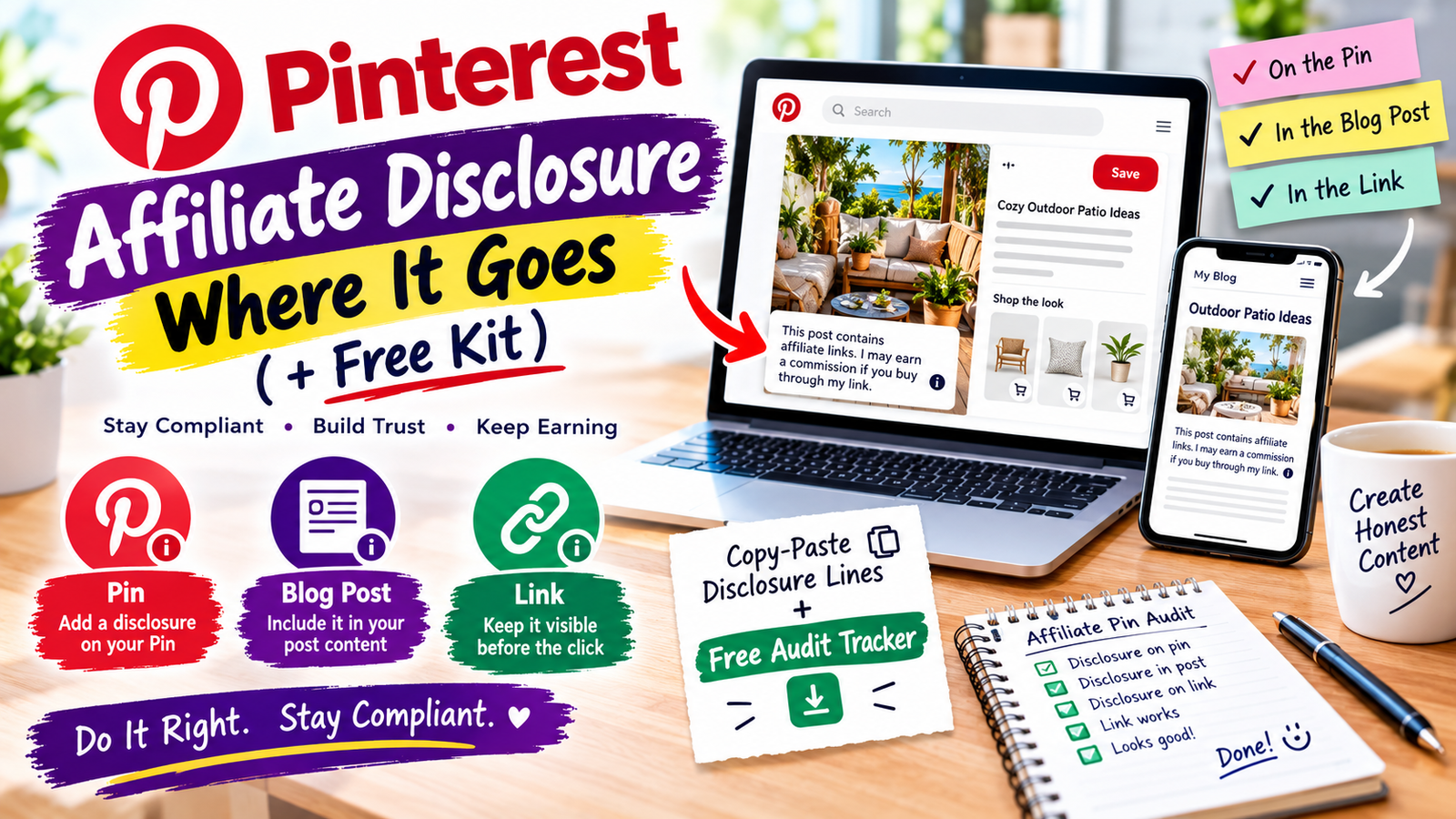
There are two places, and you should use both.
On the image. One third-party compliance guide notes that Pinterest’s Pin specifications say descriptions do not appear in the home or search feed, so a description-only disclosure is invisible where many people first see the Pin. A short overlay such as “Affiliate link” fixes that. Check Pinterest’s current Pin specs to confirm the display rules.
In the description. Start the description with the disclosure. Several guides advise putting it in the first two lines, and burying it at the end of a long caption defeats the purpose.
Hashtags such as #affiliate are common, but they work best next to a plain sentence, not instead of one.
What do the FTC and UK rules expect?
In the US, the FTC’s Endorsement Guides apply to affiliate links. They were substantially updated in 2023, and the FTC publishes a Q&A on them. The test is whether the disclosure is clear and conspicuous: noticeable, understandable, and placed close to the recommendation or link. The FTC does not require one exact hashtag, and a disclosure buried in a block of hashtags is a classic failure.
If you write for UK readers, the ASA’s CAP Code and the CMA also expect clear disclosure of commercial relationships. Guides note that following the FTC’s clear-and-conspicuous standard satisfies most jurisdictions, but check your own regulator’s guidance, especially because you are UK-based. I haven’t summarised UK rules in detail here.
Where does the disclosure go on your blog post?
Place it above the first affiliate link, in the first screen on mobile, in plain words. Then add a short reminder next to each button or product box.
A footer-only or “About” page disclosure isn’t enough on its own. Link to a full disclosure page if you want, but keep a visible line at the top.
What gets affiliate pins flagged?
Pinterest’s guidance and creator discussions point to the same risks:
- Link shorteners and redirects. These are where links most often get blocked. Use the full URL, or a clean link on your own domain.
- Repetitive or high-volume affiliate Pins. Use affiliate links in moderation and make each Pin original and useful without the click.
- Mismatched content. The image, title and description should match the page the reader lands on.
- Gaming saves. Don’t use fake accounts, trade saves for favours, or ask others to make Pins carrying your affiliate ID.
- Broken or outdated links. Check them regularly, since products and programs change.
Which claims cause bigger trouble than a missing hashtag?
Regulators look at what you say, not only how you tag it. In July 2026 the FTC announced a final order involving Publishing.com over misleading earnings claims, endorsements, reviews and disclosures (check the FTC’s press release for the details). The practical lessons for an affiliate site are simple.
| Avoid | Do this instead |
|---|---|
| “Make $5,000 a month with this tool” | Describe what the product does and its limits. No income promises |
| “I tested all of these” when you didn’t | Say what you tested and what comes from specs or research |
| Invented reviews or ratings | Link to real reviews and label your opinion as opinion |
| Hiding the catch (renewal price, subscription) | State the cost and who the product is not for |
How do you audit your existing pins in 30 minutes?
- Export or list your top 20 pins by traffic. Start with the ones that earn.
- Record each one in the tracker: pin link, destination, program, link type.
- Check the image for a visible disclosure and the description for a first-line disclosure.
- Open each destination and confirm a disclosure sits above the first affiliate link.
- Test the links. Replace anything broken, shortened or redirected.
- Fix the weakest layer first, then set a monthly reminder to re-check.
FAQ
Do I need a blog to use affiliate links on Pinterest?
Is #ad or #affiliate enough?
Do I disclose on every Pin?
Can I use Bitly or other shorteners?
Do I still need a disclosure if the Pin links to my blog?
Can I promote Amazon links on Pinterest?
Do the rules apply if I’m not in the US?
Where to start
Pick your five most-viewed affiliate pins, add a short disclosure to each image, fix the first line of each description, and check the first screen of each destination post. Then use the tracker to work through the rest.
Pinterest Business Community: affiliate links on Pinterest; FTC: Endorsement Guides, what people are asking. Also read Pinterest’s Commercial and Branded Content Guidelines and Community Guidelines on its policy pages, and your affiliate program’s agreement. Rules change; confirm on the official pages. General information, not legal advice.