Claude Skills for Non-Coders: Turn Repeat Tasks into Reusable AI Skills (6 Free Files)
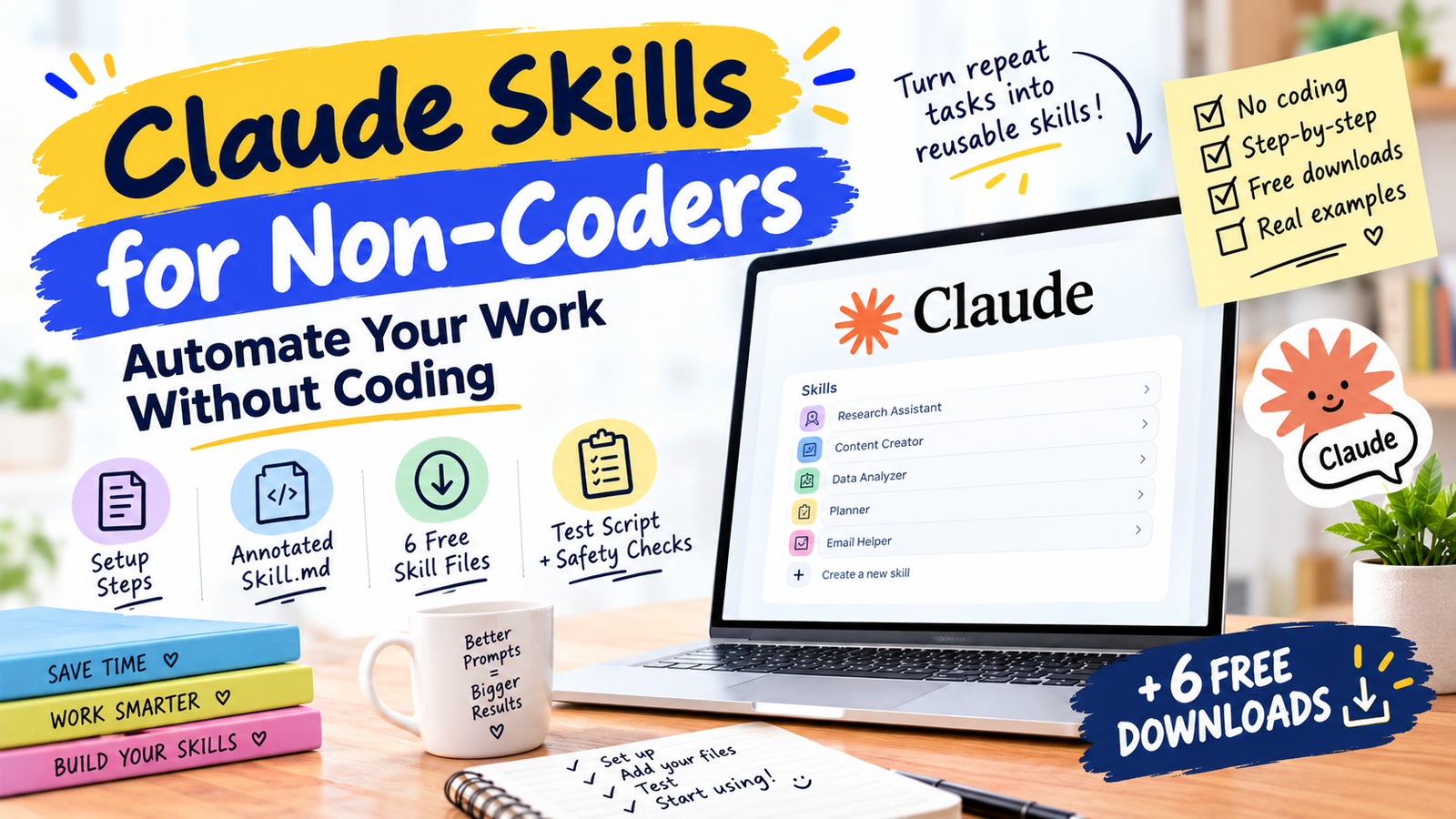
A Claude Skill is a folder containing one text file, SKILL.md, that stores instructions for a task you repeat. Until it is needed, only its name and description sit in Claude’s context. When your request matches the description, Claude loads the full instructions. You can build one without coding, and this page gives you six to download.
In this guide
- A skill is best for a repeatable procedure with a fixed output format
- The description line decides whether the skill ever loads, so it carries the most weight
- Only name and description use context until the skill triggers, so many skills cost little
- Read every skill file before you install it, including ones you download here
What is a Claude Skill?
Anthropic’s documentation describes Agent Skills as modular capabilities that extend what Claude can do. A skill is a directory with a SKILL.md file, and it can hold extra reference files or scripts. The key design point is progressive loading: until a skill triggers, only its name and description occupy context. When your request matches the description, Claude reads the file and follows it.
For non-coders this means one thing. Instead of pasting the same 300-word prompt every Monday, you write it once, give it a precise description, and Claude applies it when you ask for that kind of task.
How is a skill different from a Project or custom instructions?
| Tool | Best for | When it applies |
|---|---|---|
| Skill | A procedure with a set format (reports, replies, briefs) | When your request matches its description |
| Project | Ongoing work needing shared files and context | In chats inside that project |
| Custom instructions | Preferences that apply everywhere, such as tone | Always on |
| Saved prompt | A one-off you paste yourself | Only when you paste it |
They combine well. Put your tone in custom instructions, your client files in a Project, and your repeatable procedures in skills.
Which tasks deserve a skill?
Turn a task into a skill only if all four answers are yes:
- Have you done it at least three times?
- Are the steps mostly the same each time?
- Does the output need a consistent format?
- Do you have one finished example you would be happy with?
| Good candidate | Poor candidate |
|---|---|
| Weekly client report in a fixed layout | A one-time question about taxes |
| Replying to enquiries in your voice | Open-ended brainstorming |
| Turning meeting notes into action items | Anything with no right format |
| Content briefs from a keyword | A task you do once a year |
What does a skill file look like?
Every skill has two parts: a short header that says when to use it, and instructions that say what to do. This is the first skill in the download pack, shown in full.
Weak vs strong descriptions
| Weak | Strong |
|---|---|
| Helps with emails | Drafts replies to client enquiry emails in a concise voice with one next step. Use when the user pastes a client email and asks for a reply. |
| Report tool | Turns raw weekly numbers into a one-page report with wins, problems and next steps. Use when the user says weekly report or pastes metrics. |
| Meeting stuff | Converts meeting notes into decisions and an action table with owner and deadline. Use when the user pastes notes and asks for next steps. |
The strong versions name the output and list the situations that should trigger them. Claude matches your request against that text, so vague wording means the skill never loads.
How do you build your first skill?
Method A: let Claude draft it
- Pick one task that passed the four-question test and find your best finished example.
- Ask Claude to help. Say what the task is, paste your example, and ask it to write a SKILL.md with a precise description and a fixed output format. Some accounts also offer a built-in skill-creator; check your Skills settings.
- Read every line and delete anything you did not ask for.
- Save the file as
SKILL.mdinside a folder named exactly like the name line, using lowercase letters and hyphens. - Zip the folder and upload it as in Method B.
Method B: use the files on this page
- Download one skill from the section below. Each button gives you a zip containing the correctly named folder.
- Open Claude’s Settings and find the Skills area. Anthropic’s documentation says custom skills are uploaded as zip files under Settings, in the Features section; other guides call it Capabilities, so labels may differ on your account.
- Upload the zip, switch the skill on, and run the test in the next section.
The 6 downloadable skills
Each skill is a short, plain-text file you can read in under a minute. Open one, check the trigger phrase, and download it as a ready-to-upload zip.
The combined zip is handy for Claude Code, where you can copy folders into your skills directory. For Claude on the web, upload each skill’s own zip one at a time.
How do you test a skill?
Open a new chat and try three requests: your exact trigger phrase, a reworded version, and an unrelated task that should not trigger the skill. Compare the output with your example.
| Problem | Likely fix |
|---|---|
| Skill never fires | Rewrite the description with real trigger situations and the exact output |
| Fires on the wrong tasks | Narrow the description; state what it is not for |
| Ignores your format | Add a Format section and paste a sample result into the instructions |
| Skips some rules | Shorten the file and put the rules that matter most near the top |
| Upload fails | Check the folder name matches the name line and the file is called SKILL.md |
What are the common mistakes?
- One skill that does everything. Split it by task.
- No example. A real sample teaches format better than a description of one.
- Private data inside the file. Never store passwords, client details or API keys in a skill.
- Never revisiting it. Review each skill when your process or the app changes.
Is it safe to install skills from the internet?
Your readiness checklist
FAQ
Do I need Claude Code to use skills?
Do skills work in other AI tools?
How are skills different from GPTs?
Can I share a skill with my team?
How long should a skill be?
What if Claude ignores my skill?
Can a skill break my account?
Where to start
Pick the one task you repeat every week, download the closest skill above, and edit it to match your own example. Test with three requests, fix the description, and only then add a second skill.
Anthropic: Agent Skills overview (progressive loading, custom skill upload, required fields). Anthropic Help Center for plan availability and current menu names. Menu labels, plan limits and file limits change; confirm them before you act. General information, not professional advice.