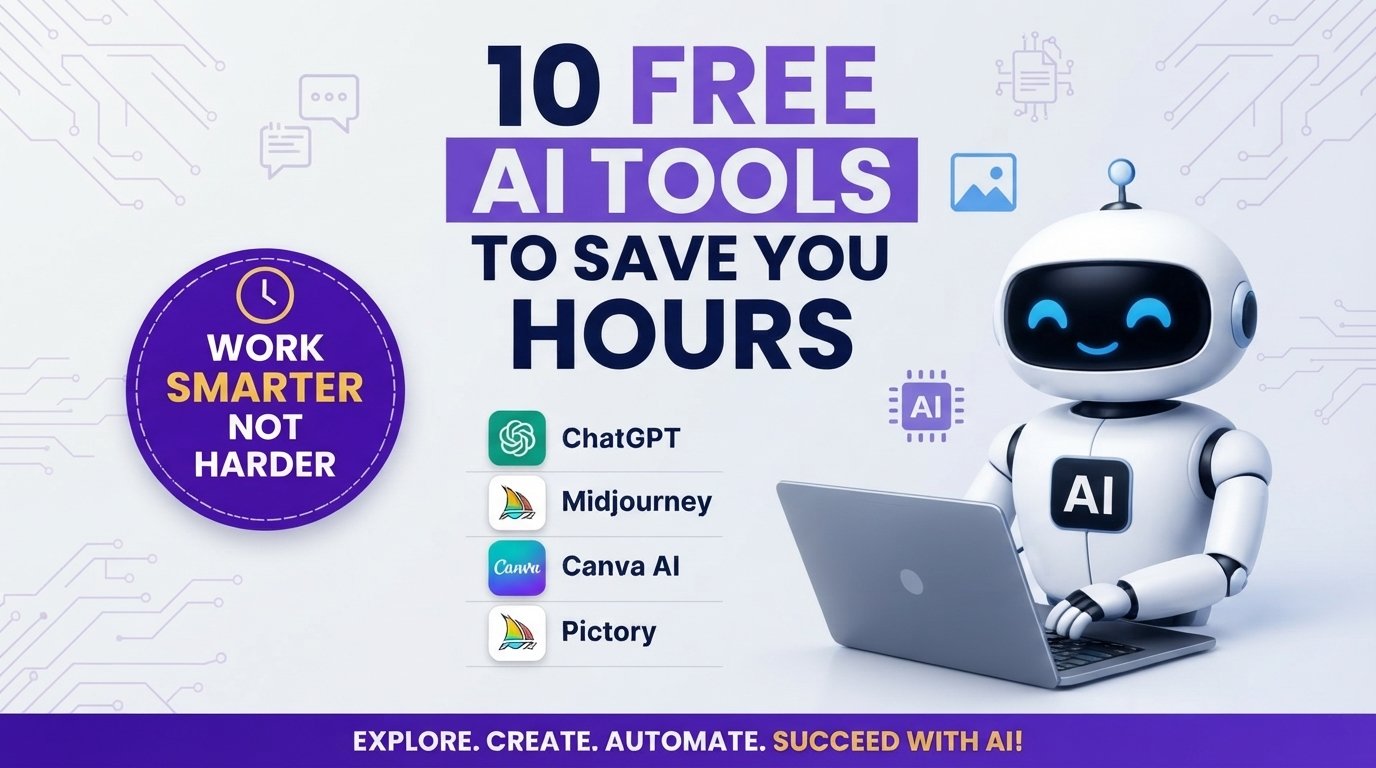
10 Free AI Tools That Will Save You Hours in 2026
Artificial intelligence is no longer an optional luxury for creators, entrepreneurs, and students—it is an operational requirement. The challenge in 2026 is not a lack of AI software, but rather navigating the noisy landscape of low-quality, paywalled applications. To help you maximize your time without increasing your software expenses, we have vetted, tested, and compiled the ten best free AI tools that deliver real productivity gains across writing, visual design, video editing, social management, and workflow automation.
1. ChatGPT (OpenAI): Universal Writing, Coding, and Execution Engine
ChatGPT remains the foundational AI assistant for general problem-solving, structured writing, and code creation. In 2026, its free tier provides direct access to advanced multimodal capabilities, allowing you to upload images, process structured dataset files (such as .csv or .json), and analyze complex documents in seconds.
Key Applications
- Drafting & Editing: Outline blog structures, edit raw text for tone adjustments, and format markdown documents instantly.
- Coding Support: Debug code snippets in Python, JavaScript, HTML/CSS, and SQL, complete with step-by-step explanations.
- Brainstorming: Generate campaign hooks, outline content calendars, and build operational checklists.
Pro-Tip for Workflow Efficiency
Avoid generic prompts like “Write a article about productivity.” Instead, provide structural constraints: “Act as an executive editor. Outline a 1,200-word guide on time management for remote workers, using bullet points for key takeaways and a table comparing digital vs. paper methods.”
2. Midjourney: High-Fidelity Text-to-Image Generation
For high-resolution image creation, Midjourney sets the industry benchmark in photorealism, artistic style execution, and visual composition. Whether you need website banners, custom visual assets for blog posts, or high-converting social media thumbnails, its prompting structure offers unprecedented aesthetic control.
Key Applications
- Visual Asset Creation: Generate custom textures, vector graphics, and photorealistic concept art.
- Product Prototyping: Visualize physical products, brand merchandise, and packaging ideas before production.
- Editorial Illustration: Replace generic stock photography with custom visual assets tailored to your exact brand color palette.
Pro-Tip for Workflow Efficiency
Include specific camera parameters and lighting styles in your prompt. Adding phrases like –ar 16:9, cinematic directional lighting, or 35mm lens render dramatically improves output accuracy.
3. Canva AI (Magic Studio): Instant Visual Design & Asset Creation
Canva’s integrated AI features allow users to design professional graphics, presentations, and social media assets without advanced graphic design training. Its suit of automated design features streamlines asset creation for platforms like Pinterest, Instagram, and digital blogs.
Key Applications
- Magic Expand & Edit: Generatively extend background photos or replace specific elements within an image using simple text commands.
- Automated Layouts: Convert raw text outlines into visual slide decks or multi-page social media templates with a single click.
- Background Removal: Isolate subject matter instantly for transparent web assets and promotional banners.
Pro-Tip for Workflow Efficiency
Use Canva’s Magic Switch feature to automatically transform a single blog thumbnail design into vertical Pinterest pins, square Instagram posts, and horizontal website hero banners simultaneously.
4. Pictory: Automated Text-to-Video Generation
Short-form and long-form video content continue to dominate user engagement. Pictory converts text scripts, articles, or long-form blog posts into engaging, short videos complete with stock footage, captions, and background music.
Key Applications
- Content Repurposing: Paste the URL of an existing blog post to automatically turn its core takeaways into a video summary.
- Script-to-Video: Upload a written video script to automatically sync stock B-roll, visual transitions, and timed closed captions.
- Auto-Captioning: Extract automated, highly accurate subtitles for existing video uploads to increase view retention on muted mobile feeds.
Pro-Tip for Workflow Efficiency
Keep your input text clear and structured with short sentences. Pictory’s scene-selection algorithm performs best when each line represents a single, distinct concept.
5. Grammarly: Advanced Grammar, Tone, and Clarity Optimization
Clean, error-free writing is vital for maintaining professional authority and passing search engine quality thresholds. Grammarly’s AI assistant moves beyond basic spellcheck, assessing contextual tone, sentence structure clarity, and readability.
Key Applications
- Grammar & Syntax Correction: Instantly identify passive voice, awkward phrasing, run-on sentences, and typos.
- Tone Adjustment: Fine-tune your writing to sound formal, persuasive, casual, or authoritative based on your target audience.
- Plagiarism & Originality Checks: Cross-reference your draft against digital databases to ensure content originality.
Pro-Tip for Workflow Efficiency
Set audience intent parameters before editing. Configuring your target domain to “Expert” or “Knowledgeable” stops the AI from over-simplifying specialized technical industry terms.
6. DeepL Translate: High-Precision Multilingual Translation
When expanding reach into international markets, generic machine translation often falls short on nuance. DeepL utilizes advanced neural networks to deliver precise, natural-sounding translations across dozens of global languages, preserving contextual tone better than traditional tools.
Key Features & Updates
- Document Translation: Upload PDF, Word, or PowerPoint files directly to translate entire documents while retaining original formatting.
- DeepL Voice & Real-Time Suite: Translates spoken communication and live meeting feeds across global teams.
- Glossary Integration: Define custom brand terms, acronyms, and product names to ensure uniform translation across all documents.
Traditional Translation Workflow: Text -> Literal Translation -> Manual Proofreading
DeepL AI Neural Workflow: Text -> Contextual Analysis -> Nuanced Localized Output
7. Tome: AI-Powered Presentation and Narrative Design
Creating pitch decks, client reports, or educational presentations manually can consume hours. Tome simplifies this by building structured slide decks, narrative visual flows, and clean layouts directly from a text prompt or detailed topic outline.
Key Applications
- Rapid Deck Generation: Input a single project prompt to get a structured 8-slide presentation complete with narrative text and layouts.
- Interactive Media Embedding: Embed live web links, Figma prototypes, interactive charts, and video embeds directly onto presentation slides.
- Document-to-Presentation: Paste long-form strategy documents to automatically extract key takeaways into a concise visual slide deck.
8. Octopus Do: Social Media & Outreach Workflow Automation
Automating repetitive administrative outreach and platform management tasks allows creators to spend more time building core products. Octopus provides robust automation and funnel-building capabilities to streamline outreach and audience workflows.
Key Applications
- Funnel Automation: Build multi-step sequences to manage outreach, connect with relevant industry partners, and organize lead lists.
- Workflow Scheduling: Schedule routine platform interactions to maintain high visibility without manual daily logging.
- Data Tracking: Monitor campaign conversion metrics to refine platform strategy over time.
9. Notion AI: Smart Note-Taking, Summarization, and Workspace Management
Notion AI operates as a deeply integrated workspace assistant, turning notes, client project docs, and raw ideas into actionable task lists and structured guides without requiring you to switch platforms.
Key Applications
- Meeting Summarization: Paste raw meeting transcripts to instantly pull out assigned action items, deadlines, and core takeaways.
- Database Generation: Automatically extract unorganized list items into structured, filterable Notion databases.
- Inline Writing Assistance: Summarize long research PDFs, translate documents inside your workspace, or reformat notes into clear team updates.
10. ElevenLabs: Realistic Text-to-Speech Voice Generation
Audio content is critical for accessible web experiences, podcast production, and video narration. ElevenLabs leads the market in producing life-like, human-sounding AI voiceovers that eliminate robotic speech cadences.
Key Applications
- Article Audio Players: Convert written blog posts into downloadable or streamable audio narration for mobile readers.
- Voiceover Production: Generate clear, expressive audio tracks for educational tutorials, video ads, and explainer clips.
- Multilingual Dubbing: Translate audio tracks into multiple foreign languages while matching the original speaker’s tone and timing.
Summary Comparison of the Top Free AI Tools
| Tool | Core Capability | Best For | Recommended Free Plan Use Case |
| ChatGPT | Multimodal Writing & Code | Writers, Coders, Researchers | Generating long-form outlines and code snippets |
| Midjourney | Visual Image Generation | Designers, Content Creators | Creating high-converting blog thumbnails & graphics |
| Canva AI | Graphic Design Automation | Marketers, Social Managers | Resizing images and removing design backgrounds |
| Pictory | Script-to-Video Creation | Video Creators, Bloggers | Converting blog posts into short promo videos |
| Grammarly | Editing & Proofreading | Professional Writers, Editors | Eliminating grammatical errors and tone issues |
| DeepL | Precise Neural Translation | Global Businesses, Editors | Translating full articles and enterprise documents |
| Tome | Presentation Deck Creation | Founders, Educators, Students | Generating pitch decks and visual storyboards |
| Octopus | Outreach & Funnel Automation | Agency Owners, Freelancers | Streamlining networking and lead management |
| Notion AI | Workspace Notes & Data | Project Managers, Creators | Organizing messy research notes into actionable tasks |
| ElevenLabs | Life-Like Text-to-Speech | Podcasters, Video Editors | Creating realistic voiceovers for video content |
How to Maximize Productive Output with AI
To get the most value out of these free tools without hitting usage limits or encountering quality drop-offs, stick to a clear execution framework:
- Stack Tools Sequentially: Do not rely on one tool for everything. Draft your research framework in ChatGPT, organize it in Notion AI, edit the grammar in Grammarly, create supporting visuals in Midjourney or Canva, and generate a summary video using Pictory.
- Focus on Direct Inputs: AI outputs are only as strong as the initial prompt context. Provide background information, clear audience details, and explicit output formatting rules.
- Always Add Human Review: Always proofread, fact-check, and edit AI-generated text to maintain a distinct voice, ensure factual accuracy, and fulfill search engine quality benchmarks.