Can Freelancers Use AI on Client Work? Fiverr vs Upwork Rules, Disclosure Wording and a Contract Clause
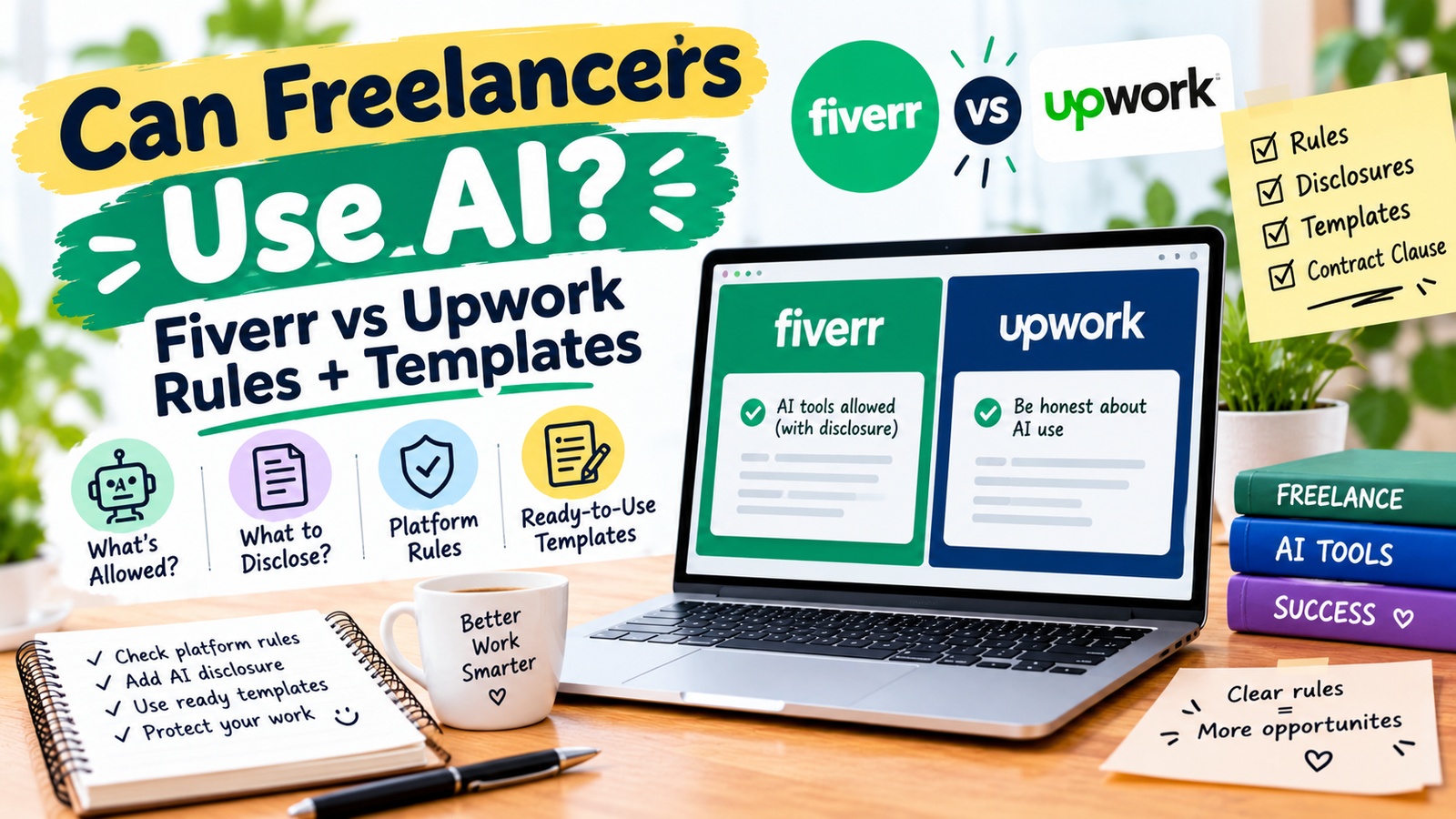
Yes. Fiverr permits AI in all service categories if it supports your own skill and effort, and Upwork lets freelancers use any tools unless the client restricts them. On both platforms you stay accountable for the final work, and breaking a client’s “no AI” request can end in refunds or suspension. Disclose your process early.
In this guide
- Fiverr says generic, unmodified AI output does not meet its quality standards
- Upwork’s verified rule is: any tools are allowed unless the client expressly restricts them, and using AI against a restriction counts as misrepresentation
- Research on freelancers found most disclose AI use only when asked, while clients prefer to be told up front
- A one-paragraph AI use statement in your proposal prevents most disputes
How do the Fiverr and Upwork AI rules compare?
| Question | Fiverr | Upwork |
|---|---|---|
| Is AI allowed? | Yes Permitted across all service categories | Yes Freelancers can use any tools unless the client expressly restricts them |
| Client says “no AI” | You must honor an explicit non-AI request and disclose your intended workflow | Using AI against a client restriction can count as misrepresentation under the Terms of Use |
| Disclosure | Not a blanket duty, but deception about how work was delivered is a trust breach | Transparency recommended; discuss tools and process with the client |
| Quality | Work must be high quality, original, and meaningfully customized; generic output fails | Left mainly to the contract between you and the client |
| Worst case | Order cancelled, full refund, possible permanent suspension | Terms of Use violations can lead to account action |
| How well I could verify | Read primary page, Oct 2026 | Official 2023 notice; later AI data terms unverified |
What does Fiverr say about AI use?
Fiverr’s help page says AI use is encouraged when it is responsible and appropriate for the service, compliant with laws and platform standards, and used to support the freelancer’s own skill and effort rather than replace it. It states that freelancers are fully accountable for the final work, and that AI-generated or AI-assisted work must be high-quality, original, and meaningfully refined for the client’s requirements. Generic, unmodified or reused output does not meet its standards.
Two practical rules follow. First, if a client asks for non-AI work before or at the start of an order, you must honor it and disclose your intended workflow. Second, clients who don’t want AI are told to say so early, because freelancers do not necessarily disclose every tool they use.
How does Fiverr judge a dispute?
Fiverr says it reviews the full order context, not AI use alone. It looks at whether the client clearly set expectations, whether the delivery is accurate and free of clear mistakes or AI hallucinations, whether it reflects your own meaningful input, and whether both sides communicated professionally. If it finds a trust breach, such as deception about how the work was delivered or misrepresenting AI use, the order can be cancelled, the client refunded in full, and the freelancer’s account permanently suspended.
Fiverr also lists prohibited AI uses, including deepfakes, using someone’s voice or likeness without authorization, falsifying documents or identities, and content meant to mislead about identity or distort public perception.
What does Upwork say about AI use?
Upwork’s April 2023 Trust and Safety announcement says it updated its Optional Service Contract Terms, User Agreement and Terms of Use. Section 2 clarifies that freelancers can use any tools, including generative AI, unless expressly restricted by the client. The Terms of Use now treat “using generative AI or other tools to substantially bolster your job proposals or work product if such use is restricted by your client or violates any third-party’s rights” as misleading or fraudulent conduct. Upwork recommends that clients and freelancers discuss tools, process and expectations, and that contracts spell out permitted tools.
A 2025 record from the EU’s Eurofound platform economy database reports that Upwork’s September 2025 terms update did not ban generative AI but placed responsibility on workers to use it transparently and not misrepresent their work.
Should you tell clients you use AI, even when it isn’t required?
Often yes, and the evidence points the same way. A study presented at ICML 2025 combined interviews and surveys of freelancers and clients. It found freelancers often disclose AI use only when asked, assuming clients can already tell. Clients were less confident at spotting AI-assisted work and preferred proactive disclosure. It also found that unclear or missing client AI policies lead freelancers to misread what clients expect.
That gap is where disputes start. Use this simple ladder:
When in doubt, tell the client. A short note costs you nothing, while a dispute can cost an order, a review or an account.
What should your AI use statement say?
Keep it plain, specific and short. Say which parts use AI, what you do yourself, and how you protect client data. Adapt the wording so every line is true for you.
What contract clause protects both sides?
If a client or you want it in writing, a short clause removes guesswork. These are templates, not legal advice. Have a lawyer review any clause you rely on.
The downloadable clause file includes two more variants, one for AI limited to research and one for client data handling.
How do you protect client data when using AI tools?
Client confidentiality is the part most freelancers overlook. If your contract or an NDA restricts sharing information with third parties, check whether an AI tool counts. Legal commentators point out that platform terms and your contractual promises can conflict, so don’t assume they line up.
- Ask before pasting. Get written permission before putting client documents, names or numbers into an AI tool.
- Check tool settings. Review each tool’s data and training settings, and use options that don’t train on your inputs where they exist.
- Remove identifying details when you only need help with structure or wording.
- Keep a record of which tools touched which project.
What should you check before delivering AI-assisted work?
Fiverr’s dispute factors are a useful quality bar on any platform: accurate, free of hallucinations, tailored to the client, and showing your own input.
What should you do if a client objects to AI use?
- Stay calm and professional. Fiverr reviews communication as part of any dispute.
- Gather your records: the brief, any AI expectations stated, your process notes, drafts and the final delivery.
- Explain exactly what you did, truthfully. Never deny AI use if you used it.
- Offer to fix the issue: revise the weak sections, redo them without AI, or refund if the brief was breached.
- Update your proposal template so the next client sees your AI statement before the order starts.
FAQ
Is AI allowed on Fiverr?
Can Upwork freelancers use ChatGPT?
Do I have to tell clients I use AI?
What happens if I use AI after a client says no?
Is AI-generated work good enough to deliver as it is?
Does Upwork train AI on my messages and work?
Should I put an AI clause in my contract?
Can I paste client documents into an AI tool?
Where to start
Write your AI use statement today, add it to your proposal template, and ask each new client one question: “Do you have any preferences about AI tools on this project?” That single message covers most of what both platforms expect.
Fiverr Help Center: Using AI on Fiverr · Fiverr Community Standards · Upwork: Trust and Safety AI Update, April 2023 · Eurofound: Upwork rolls out AI agent and updates its global ToS · ICML 2025 study on AI disclosure in freelance work. Platform rules change. Confirm on the official pages before you act. General information, not legal advice.