Before You Give an AI Agent Access to Your Email or Browser: A Permission Audit for Non-Technical Users
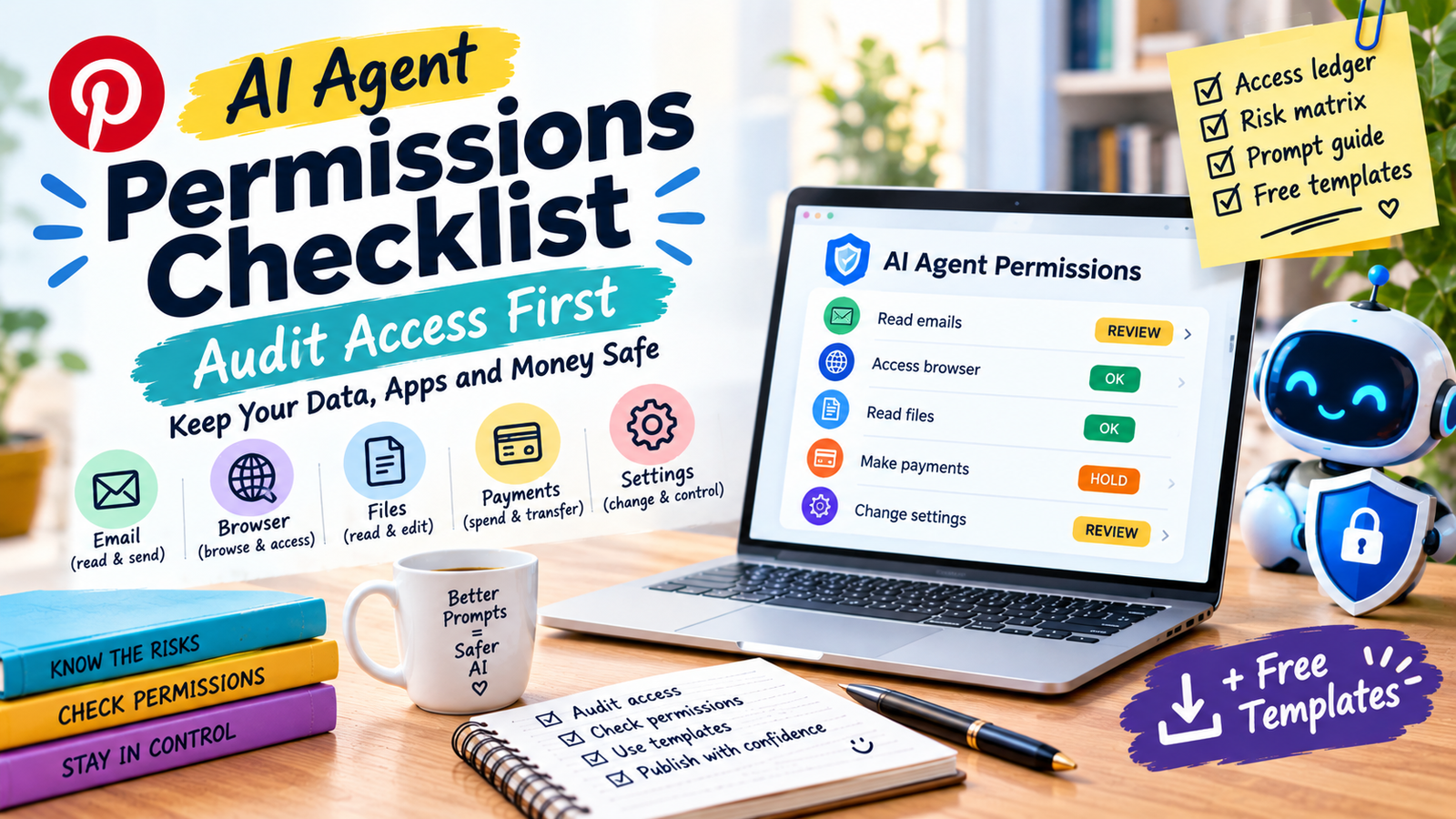
Before an AI agent gets access to your email, files, logged-in browser or payments, list what it can read, send, spend and change. Grant the least access the task needs, require your approval for sends, purchases and deletions, and start read-only. Prompt injection may never be fully solved, so the aim is to limit the damage.
In this guide
- An agent can act on your behalf, so a trick that only fools a chatbot can now send, buy or delete
- The NCSC says prompt injection may never be totally mitigated, and OpenAI says it is unlikely ever to be fully solved
- Risk grows with access and with how much the agent does without asking
- The practical defence is limiting what the agent can touch, keeping approvals on, and starting read-only
What is prompt injection, in plain English?
An AI agent reads content: emails, web pages, shared documents, calendar invites. Prompt injection hides instructions inside that content so the agent treats them as orders. OpenAI describes it as embedding malicious instructions into content the agent processes, written to override or redirect what you asked for.
OpenAI’s own demonstration shows how ordinary it can look. A malicious email sat in a user’s inbox. The user later asked the agent to draft an out-of-office reply. The agent met the email during the task, treated the hidden instructions as authoritative, and sent a resignation letter instead. OpenAI reports its later security update flagged this particular attack. Its hypothetical example is just as plain: a hidden email tells the agent to forward sensitive tax documents to an attacker.
The UK’s NCSC explains why this is hard. A language model has no built-in separation between data and instruction, so prompt injection may never be totally mitigated the way SQL injection was. Its advice is to focus on reducing impact, and to be wary of vendors who claim they can stop it.
How do access and autonomy combine?
Security researchers describe the risk as autonomy multiplied by access, a phrase quoted in coverage of OpenAI’s work. Access is what the agent can touch. Autonomy is how much it does without asking you. The grid below turns that into a quick check. The colours are my suggested rating, not an official scale.
| What it can do | You approve every step | You approve key steps | It acts alone |
|---|---|---|---|
| Read onlySummarise, search, report | Low | Low | MediumData may leak via links or outputs |
| Draft onlyWrites, saves nothing sent | Low | Low | Medium |
| Send or postEmail, messages, publishing | Medium | Medium | High |
| Spend, delete or change settingsPayments, files, permissions | Medium | High | Very high |
Most people don’t need the bottom row at all. If you do, keep approvals on for every step.
What is the four-verb audit?
For every agent task, answer four questions: can it read, send, spend or change? Write the answer down. Anything you can’t describe in one line shouldn’t be allowed yet.
| Verb | Examples | Worst case | Default rule |
|---|---|---|---|
| Read | Inbox, files, calendar, web pages | Private data exposed or copied into another message | Limit to named folders, labels or sites |
| Send | Email, chat, social posts, forms | A message you never wrote goes out under your name | Draft only, you press send |
| Spend | Checkout, subscriptions, bookings | Money leaves your account | Research only, you complete payment |
| Change | Delete files, edit documents, share links, change settings | Data lost or made public, access widened | No access until you have a backup and a reason |
What do vendors and the NCSC recommend?
All three sources point the same way: assume the risk stays, and shrink what an attack can do.
| Source | What it says |
|---|---|
| OpenAI (Dec 22, 2025) | Use logged-out mode when you don’t need to be signed in, or limit which sites the agent signs into. Read confirmation requests before approving sends and purchases. Give explicit, scoped instructions instead of broad ones like “take whatever action is needed” |
| Anthropic Help Center | Describes granular permissions, blocklists for certain high-risk sites, and confirmations or screening for risky actions. Says prompt injection is the biggest risk for browser-using AI and advises reviewing proposed actions, especially on new websites. The current page also mentions a manual-approve option |
| UK NCSC (Dec 2025) | Prompt injection may never be totally mitigated. Reduce impact instead, and prefer providers who explain how they reduce risk over those who claim to stop it |
Vendors also say their protections reduce the risk, not remove it. Treat any “safe” label with that in mind.
How do you audit an agent in seven steps?
- Name the task. One sentence, such as “summarise unread emails from my clients each morning.” If you can’t write it, don’t start.
- Fill the ledger. For each account or app, record which verbs the agent has: read, send, spend, change.
- Give the minimum. Restrict to specific folders, labels or sites. Prefer logged-out use when the task doesn’t need your accounts.
- Separate risky combinations. A task that reads untrusted content, like unknown emails or web pages, should not also hold permission to send or spend. This is my rule of thumb, drawn from the inbox example above.
- Keep approvals on. Choose the setting that asks before sending, buying or deleting, and read each prompt properly.
- Start read-only for two weeks. Check its summaries against reality before it can draft or send anything.
- Review and revoke. Look at what it did each week, and remove access you no longer need.
What do safe and risky instructions look like?
| Risky | Safer |
|---|---|
| “Handle my inbox.” | “Summarise my three most recent unread emails from [client name]. Do not open links or reply.” |
| “Book whatever works.” | “List three train options for Friday under £60. Do not buy anything.” |
| “Clean up my files.” | “List files in the Downloads folder older than a year. Do not delete or move anything.” |
| “Reply to these emails.” | “Draft replies in my voice and show them to me. Do not send.” |
A scoped instruction doesn’t remove the risk. OpenAI says it makes attacks harder to carry out, and that is the realistic goal.
If you add skills or plugins to an agent, treat them as code you’re trusting. See the safety section of our guide to Claude Skills for non-coders.
What should you do if an agent does something wrong?
- Stop the agent and close its session.
- Revoke access: disconnect the app or connector, and sign out other sessions on the affected accounts.
- Secure the accounts: change passwords and turn on two-factor authentication where available.
- Check what it did: sent items, deleted items, forwarding rules, shared links and recent purchases.
- Tell the people affected and your bank if money moved. In the UK, report fraud through Report Fraud.
- Write it down in the ledger, and tighten the setup before you try again.
If you work for clients, check whether an AI tool counts as a third party under your contract. See our guide to AI use rules for freelancers.
FAQ
What is prompt injection?
Is it safe to give an AI agent access to my email?
Can prompt injection be fully prevented?
What is the safest way to use a browser agent?
Should an agent ever be allowed to spend money?
Do vendor protections make this safe?
What is the difference between an assistant and an agent?
How do I know if an agent was tricked?
Where to start
Pick the one agent task you’re tempted to automate, fill one row of the ledger, and set it to read-only. Run it for two weeks before it gets any other permission.
NCSC: Prompt injection is not SQL injection · OpenAI: Continuously hardening ChatGPT Atlas against prompt injection · Anthropic Help Center: Use Claude in Chrome safely · Anthropic: Piloting Claude for Chrome · ContentGrip coverage (source of the autonomy-times-access quote). Features, menus and advice change; confirm on the official pages. General information, not security or legal advice.