Digital Products You Can Create With Canva: The Ultimate Passive Income Guide
The digital creator economy has shifted dramatically toward assets that provide immediate utility. Instead of trading time for hours worked, digital products allow creators to build an asset once and monetize it infinitely without inventory costs, shipping fees, or supply chain bottlenecks.
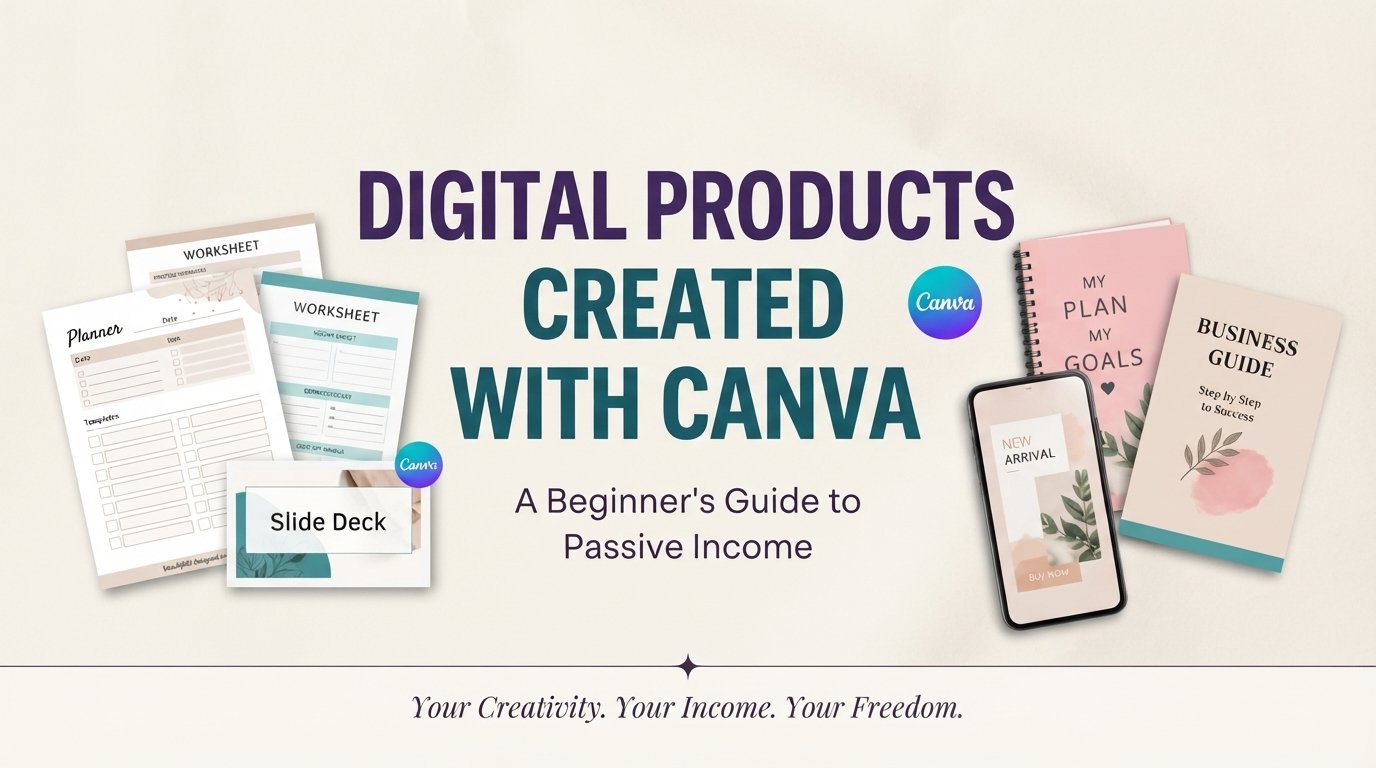
Canva has established itself as the premier tool for building scalable digital products. You do not need a degree in graphic design or complex software like Adobe Illustrator to launch a profitable digital product store. Below is a comprehensive breakdown of the highest-converting digital assets you can design in Canva, complete with formatting benchmarks and monetization blueprints.
1. Planners, Organizers, and Goal Trackers
Organized productivity frameworks are in constant demand. Consumers regularly purchase digital and printable planners to organize their schedules, track habits, manage daily routines, and monitor personal finances.
Traditional Publishing: Design -> Print Production -> Shipping -> Inventory Management
Digital Planner Model: Design in Canva -> Export PDF -> Customer Downloads -> Pure Profit
High-Demand Planner Niches
- Fitness & Wellness: Habit trackers, workout logs, meal planners, and macro trackers.
- Financial Management: Monthly budget worksheets, debt payoff trackers, and savings goal charts.
- Specialized Business Planners: Social media content calendars, client onboarding workflows, and project management timelines.
Technical & Formatting Standards
Design digital planners in standard dimensions ($8.5 \times 11$ inches or A4 paper size) to ensure print readability. For interactive tablet usage (e.g., GoodNotes or Notability), embed interactive hyperlinks within the PDF layout so users can navigate between daily, weekly, and monthly tabs effortlessly.
2. Worksheets, Educational Bundles, and Printable Templates
Teachers, homeschooling parents, and business professionals rely heavily on structured worksheets to present complex information clearly.
Core Product Ideas
- Educational Materials: Math practice sheets, letter tracing guides, and early reading flashcards.
- Business Frameworks: Swot analysis templates, client discovery questionnaires, and daily priority worksheets.
- Self-Improvement Resources: Mindfulness reflection journals, therapy worksheets, and habit build guides.
3. E-Books, Digital Guides, and Workbooks
Packaging specialized information into downloadable visual e-books is a fast way to build authority while generating direct sales. Canva offers multi-page document layouts that allow you to structure long-form text cleanly.
Visual Formatting Hierarchy:
[ Bold Cover Design ] ➔ [ Clickable Table of Contents ] ➔ [ Clean Two-Column Body Text ] ➔ [ Visual Callout Boxes ]
Key Elements for High-Value E-Books
- Clear Document Hierarchy: Utilize strict typography scales ($H1$ titles at 28–32pt, $H2$ section breaks at 20–24pt, and body text at 10–12pt).
- Visual Callout Boxes: Highlight key facts, quotes, or action steps using shaded background boxes to break up dense paragraphs.
- Brand Consistency: Stick to a 3-color maximum palette (Dominant, Secondary, and Accent) across all pages to ensure a unified editorial feel.
4. Slide Decks, Pitch Layouts, and Presentation Assets
Business owners, startup founders, and webinar hosts require clean, modern presentation slides. Standard corporate templates are often outdated, opening a huge opportunity for custom Canva presentation templates.
High-Converting Presentation Formats
- Startup Pitch Decks: Clean 10–15 slide presentations covering problem statements, market size, business models, and financial projections.
- Course & Webinar Slides: Visual presentation decks built specifically for online educators, coaches, and course creators.
- Client Proposal Decks: Professional project scope slides designed for agencies, consultants, and freelancers.
5. Customizable Social Media Templates
Small business owners rarely have time to design visual graphics daily. Selling pre-designed social media template kits provides them with a plug-and-play solution.
Template Sales Model:
Create Template Set in Canva ➔ Generate Editable Share Link ➔ Package in PDF ➔ Deliver to Customer
Best-Selling Social Media Assets
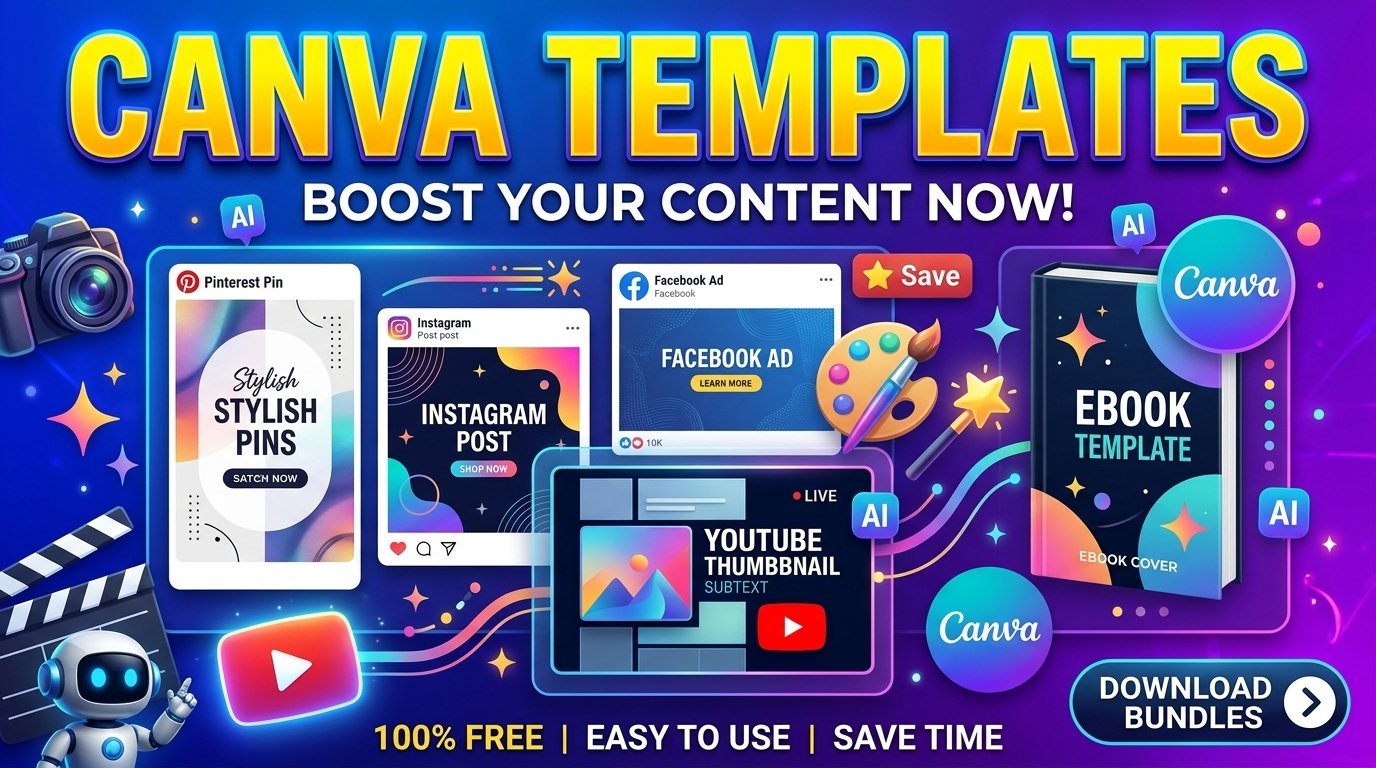
- Instagram & Pinterest Bundles: Cohesive 30-day graphic packages featuring quote cards, promotional banners, carousels, and pin covers.
- LinkedIn & Twitter Visuals: Professional infographic templates, data summary cards, and carousel slide decks.
- YouTube Graphic Kits: Matching thumbnail designs, channel banners, and end-screen graphics tailored to specific channel niches.
6. Digital Invitations, Greeting Cards, and Event Stationaries
Event planning relies heavily on stylish visual layouts. Digital event stationaries allow customers to print templates at home or send them instantly via mobile messaging.
High-Margin Event Products
- Wedding Stationaries: Save-the-date cards, formal wedding invitations, menu cards, and seating charts.
- Life Celebrations: Birthday party invites, baby shower bundles, graduation announcements, and holiday cards.
- Corporate Events: Seminar passes, digital event tickets, and conference agenda schedules.
7. Phone Wallpapers, Desktop Banners, and Digital Art Prints
Low-complexity visual assets like phone wallpapers and digital art prints are ideal entry-level products for testing market demand with minimal design overhead.
High-Demand Aesthetics
- Productivity Backgrounds: Desktop wallpapers featuring monthly calendar layouts and motivational quotes.
- Aesthetic Photography & Patterns: Minimalist line art, abstract geometric patterns, and botanical illustration prints.
- Organizational Screens: Desktop wallpapers split into visual organizational quadrants (“In Progress”, “Important”, “Archive”).
Comprehensive Master Blueprint for Canva Digital Products
| Product Category | Primary Target Market | Recommended Dimensions | Pricing Model | Ease of Production |
| Planners & Organizers | Consumers, Professionals | $8.5 \times 11$ in / A4 (PDF) | $\$7 – \$19$ | Medium |
| Worksheets & Guides | Teachers, Parents, Coaches | $8.5 \times 11$ in / A4 (PDF) | $\$5 – \$15$ | Low |
| E-Books & Workbooks | Readers, Online Learners | $8.5 \times 11$ in or $1920 \times 1080$ | $\$12 – \$29$ | High |
| Presentation Decks | Founders, Educators, Agencies | $1920 \times 1080$ px (16:9 Slide) | $\$15 – \$45$ | Medium |
| Social Media Bundles | Influencers, Business Owners | $1080 \times 1080$ px / $1080 \times 1920$ px | $\$14 – \$39$ | Medium |
| Invitations & Stationary | Event Hosts, Families | $5 \times 7$ in / Digital Mobile Sizes | $\$4 – \$12$ | Low |
| Digital Wallpapers | General Mobile & PC Users | $1080 \times 1920$ px / $2560 \times 1440$ px | $\$3 – \$8$ | Very Low |
How to Package and Deliver Canva Products Compliantly
To legally sell Canva templates without violating platform licensing terms or search engine guidelines, strictly apply these operational steps:
- Deliver via Canva Template Links: Do not sell flat static designs if advertising customizable templates. Provide customers with a unique, read-only Canva Template link embedded inside a downloadable delivery PDF.
- Use Commercial Free Elements: Verify that every graphic element, font, and image used in your template is designated for commercial use under Canva’s licensing policies.
- Avoid Pure Reselling: Do not resell unedited Canva stock templates. You must modify layouts, typography, color schemes, and visual structures to create an original product.
- Optimize Product Metadata: Write detailed, original product listings. Clearly state file formats, included dimensions, and exact step-by-step instructions on how to access and edit the asset.