Digital Product License Terms: Personal, Commercial and Extended Licenses, With AI-Content Clauses
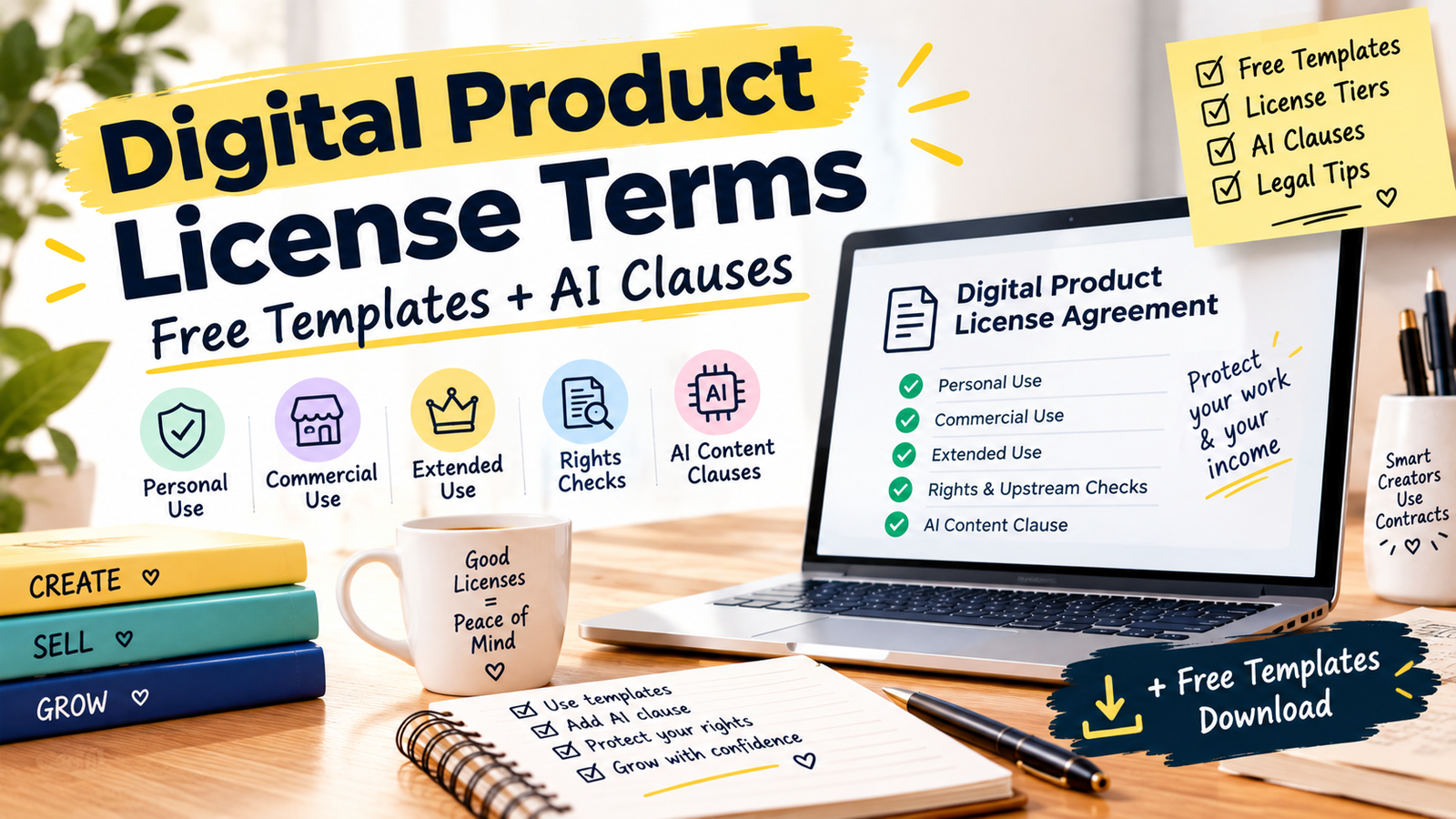
A digital product license tells buyers exactly what they may do with your file. Offer personal, commercial and extended tiers, say what is not allowed, and only grant rights you hold. Clear every font, graphic and AI input first, and avoid promising exclusive ownership of AI-generated material, because US copyright protection depends on human contribution.
In this guide
- A license is permission, not a transfer of ownership. The buyer gets defined rights and you keep the rest
- You can only pass on rights you actually hold, so audit your fonts, graphics, templates and AI tools first
- Canva’s Pro content in a template can only be sold as a Canva template link, per Canva’s help page
- For AI-assisted work, don’t overpromise ownership. Document what you created, selected and edited yourself
What does a digital product license actually do?
When someone buys a digital download, they don’t buy the copyright. They buy permission to use the file in specific ways. The license is where you write those ways down. Without one, buyers guess, and guesses turn into resale of your files, angry messages and takedown disputes.
| Question | What the license should say |
|---|---|
| Who may use it? | The single buyer, non-transferable, unless a tier says otherwise |
| For what? | A list of allowed uses, such as printing for home or making products for sale |
| What is banned? | Reselling or sharing the file as-is, claiming it as their own, and extracting elements |
| Who owns it? | You keep ownership and every right you haven’t granted |
| What if rules are broken? | The license ends, and you may report infringement |
Why can you only license what you hold?
This is the part most template guides skip. A commercial license is a promise that you have the right to give that permission. If your product contains a font, clipart or mockup you only hold a personal license for, you can’t pass commercial rights on. Etsy says every item must be your own creation or something you have permission to use, and sellers have been caught reselling downloaded fonts, clipart and templates even when the file was free.
What Canva’s official page says
Canva’s help page states that you can’t sell any Canva content on a standalone basis. It allows you to use Free and Pro content to design and sell certain products, but if a template includes Pro content, you can only sell it as a Canva template link. Templates using only Free content and your own images can be sold as PDFs or template links. It also says Canva’s AI features, including Magic Edit and the DALL•E and Imagen tools, are not covered by its Content License Agreement, so they follow their own terms.
| Input | Common trap | Do this |
|---|---|---|
| Fonts | Personal-use or desktop-only licenses | Confirm commercial use and whether embedding in a distributed file is allowed |
| Free clipart or SVGs | “Free” does not mean commercial use | Read the license, and keep a copy of it |
| Canva elements | Selling Pro content in a downloadable file | Use a Canva template link for Pro content |
| Mockups and stock photos | Licenses that forbid resale in a product | Check the terms for use in products you sell |
| AI-generated images | Assuming the tool allows commercial use | Read the tool’s current terms before selling |
Use the downloadable audit sheet to log each element, its license and where you saved the evidence.
What are the three license tiers?
Most shops sell three levels. The numbers and limits below are examples from real shops, not rules, so set your own.
Personal
- Print for home or own use
- Use in the buyer’s own life or business materials
- Sell or share the file
- Make products for sale
Commercial
- Use in products for sale, up to a set number of copies
- Combine with the buyer’s own design
- Sell the file or elements as-is
- Use as stock content
Extended
- Higher or unlimited copies
- Wider uses, such as print-on-demand, if you allow them
- Resell or redistribute the original
- Claim the design as their own
Real shop licenses show the patterns. One requires buyers to modify and flatten clipart so original elements can’t be extracted. Another asks for a commercial or extended license once someone sells more than 100 copies. A third makes each commercial license valid for one product listing. Choose limits you can explain in one sentence, and tell buyers clearly what each tier includes.
Which clauses does every license need?
| Clause | Plain-English purpose |
|---|---|
| Grant | States the license is non-exclusive, non-transferable and limited to the buyer |
| Allowed uses | Lists what the buyer can do, in examples |
| Not allowed | Lists resale, sharing, redistribution, extraction and claiming as own work |
| Ownership | You keep copyright and all rights not granted |
| Third-party elements | Names any fonts or assets the buyer must license separately |
| AI-assisted content | Discloses AI use and limits what you promise (see below) |
| Credit | Says whether attribution is required, optional or not needed |
| Refunds and delivery | Explains digital delivery and refund handling, without overpromising |
| Termination | Ends the license if the buyer breaks it |
How should you license AI-assisted products?
In January 2025 the US Copyright Office published Part 2 of its AI report, on copyrightability. Law-firm summaries say it concludes that copyright protects human authorship, that purely AI-generated material is not protected, and that prompts alone don’t give users enough control to be authors of the output. It also says human authors can claim protection for their own expression that is perceptible in AI outputs, for creative selection and arrangement, and for creative modifications. Whether a contribution is enough is decided case by case.
For a seller, that means three things:
- Don’t promise exclusive ownership of unedited AI output. You may not hold copyright in it, so you can’t guarantee buyers that nobody else can use something similar.
- Document your human contribution. Keep drafts, layered files and notes that show what you wrote, selected, arranged and edited.
- Check the AI tool’s terms. They may limit commercial use or say who owns outputs, and those terms sit upstream of your license.
Etsy’s rules add a platform layer. Its seller-prompted AI category requires disclosure in the listing description, and, as covered in our guide to selling AI-made digital products on Etsy, AI prompt bundles are not allowed there.
Where do you place the license, and can you enforce it?
Put a short summary in the listing description, and include the full license as a file inside the download so buyers see it after purchase. Add the AI disclosure to the description where a platform requires it.
A license can’t stop copying on its own. If someone steals your design, Etsy works under the DMCA process: it removes reported content, notifies the seller, and the seller can accept the removal or file a counter-notice, which is a legal declaration of ownership or permission. Keep your dated source files, so you can show your work.
How do you build your license in 30 minutes?
- Log your inputs in the audit sheet: every font, graphic, template, mockup and AI tool.
- Check each license. Confirm commercial use and whether you can include the element in a product you sell.
- Replace what you can’t clear, or list it as something buyers must license themselves.
- Choose your tiers and limits, such as copy caps and whether print-on-demand is allowed.
- Fill in the template, add the AI addendum if it applies, and save a PDF copy.
- Paste the short summary into each listing, and add the full license to the download.
FAQ
What is the difference between personal and commercial licenses?
Do I need a different license for every product?
Can I sell Canva templates?
Do I own copyright on AI-generated images I sell?
Do I need to credit third-party creators?
How many copies should a commercial license allow?
Can buyers use my files to train AI models?
Is a template enough, or do I need a lawyer?
Where to start
Open your best-selling product and list every element inside it. If you can’t show a license for each, fix that before you write a single clause, because you can only sell what you can license.
Canva Help: licenses, copyright and commercial use · Etsy Creativity Standards · Etsy Intellectual Property Policy · US Copyright Office: Copyright and Artificial Intelligence · Akin Gump summary of Part 2 · IPWatchdog on Part 2. Laws and platform rules change. General information, not legal advice.